Tutorial
Installation
If you have Microsoft Framework 3.5 already installed on your computer the installation will take only a couple of seconds! If not, it´s quite simple anyway, after downloading and doubleclicking VideoGate.exe, a new window pops up which will automatically install the missing files to your computer. This could take a while, ~10 minutes.
Then the programm will automatically start (A shortcut is created on desktop for further runs) and it should look like this

Then the first start will be performed and a screen link this one will pop up:
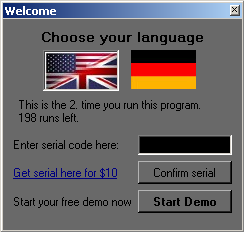
Simply choose “Start Demo” to test the programm. You are allowed to open the programm 200 times! I know thats a lot, but I want to keep this programm for free, only massiv users who use this programm every day multiple times should pay a little amount ($10) for “business use”.
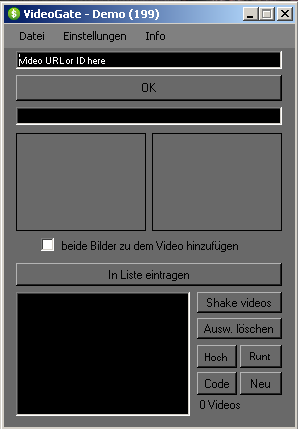
Thats the interface of the program, not to tall, not to small. Now your are ready to “grab” some videos from pornhost.com. Enter the ID or the whole link of the video into the input box.
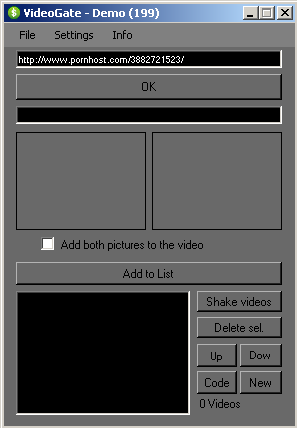
Then press the OK button and two thumbnails should be visible
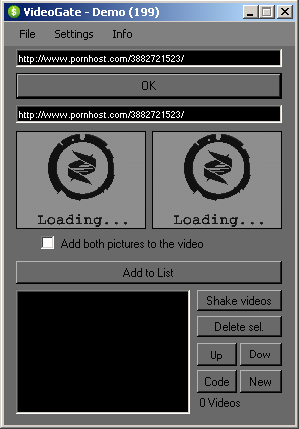
and after loading the thumbnails:
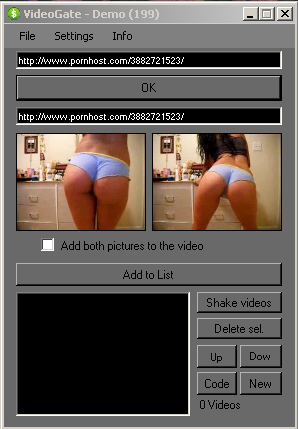
Now the comfortable way of generating galleries: Just pick one of the thumbnails (or select both pictures) and click “Add to list”. Do this with a couple of videos until it looks link this screenshot:
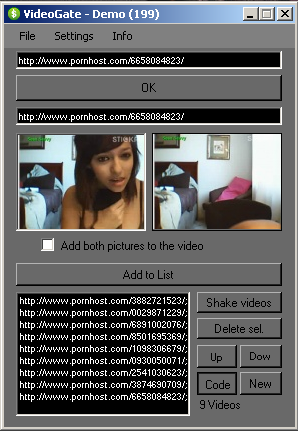
Then press “Code” and another window will pop up. Here you choos your output. If you don´t have much time choose “Create whole gallerie” and the gallerie will be vreated in the order of your added them to the list before. But lets see what hwill happen if you press “Edit output Gallery”:
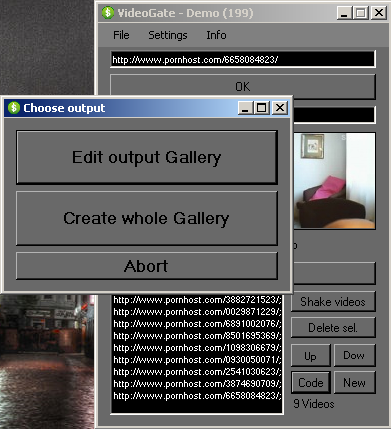
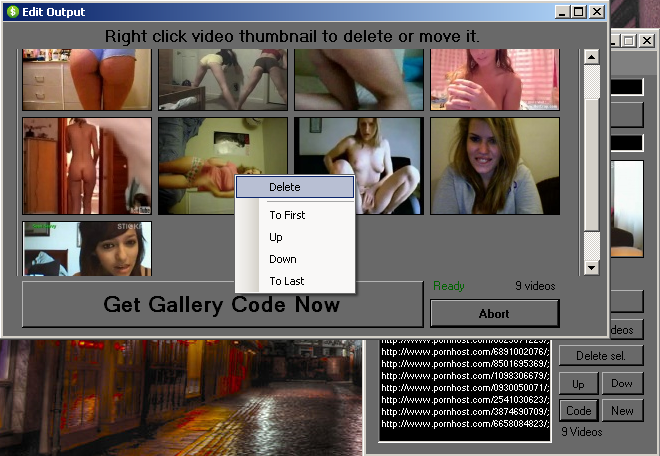
Here you can simply rightclick video thumbnails and change their order. If you like, you can delete a specified video thumbnail.
Hint: Simply add both pics to the list before and delete the worst one.
When you made all changes to your gallery press “Get Gallery Code”
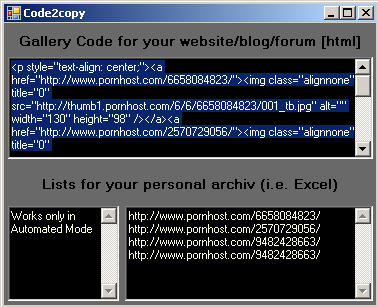
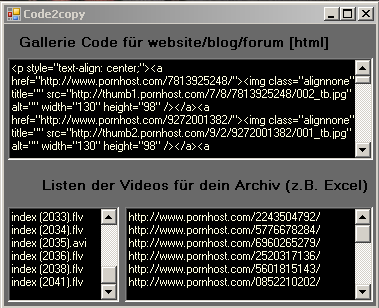
And another windows shows. Here you can simply copy the html code for your site!
Below are two lists if you would like to archiv your videos. That was the last step! After some routine you will do this steps automatically within 2 or 3 minutes.
Now you will ask yourself Ok it´s quite fast, but not fast enough, what else can I do?
Yes! There is another revolutionary Option: the automated mode!
On the interface choose Settings –> Mode –> Automated
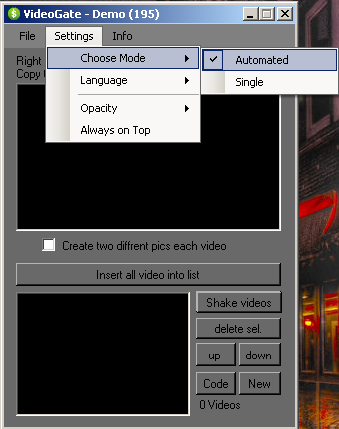
There is just one tricky thing you have to get managed: After uploading your video to pornhost.com rightclick on the page and choose “Show source Code” (or press ‘Ctrl + U’). Copy the whole text and insert it in the box.
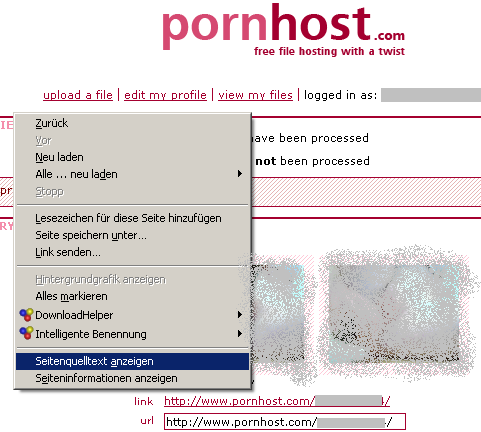
Firefox should show a window like this one, select all text and copy it
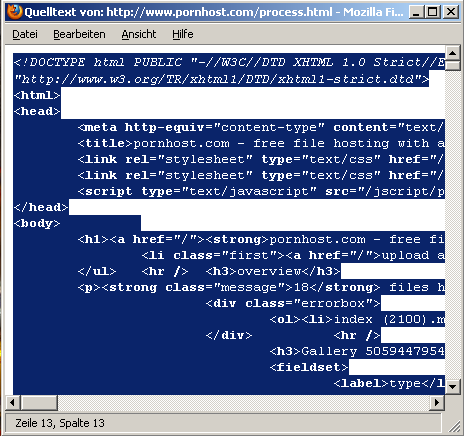
After that insert the copied text into the program like this and press “Insert all video into list”
Choose whether you want both pics or just thumbnail one by checking/uncheck the box and press “Add all to list”. You can add both to the list because you can delete them in the next step too.
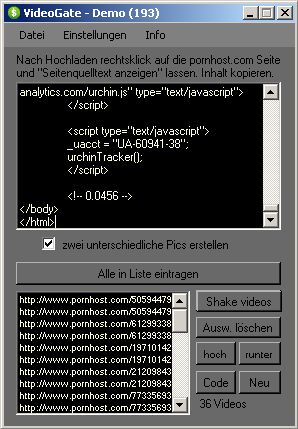
Now ALL thumbails (max. 40) are int he list. You can now press the “Code” button. You are now able to change the video order or delete single videos of not done already. Or you pick the ‘Create whole Gallery’ way. In the Code Window at the end now the filenames are included in the list below the code for your html website / Blog / Forum.
Questions? We are building a FAQ. Please use form below to get in contact with us.